


What Kripta does
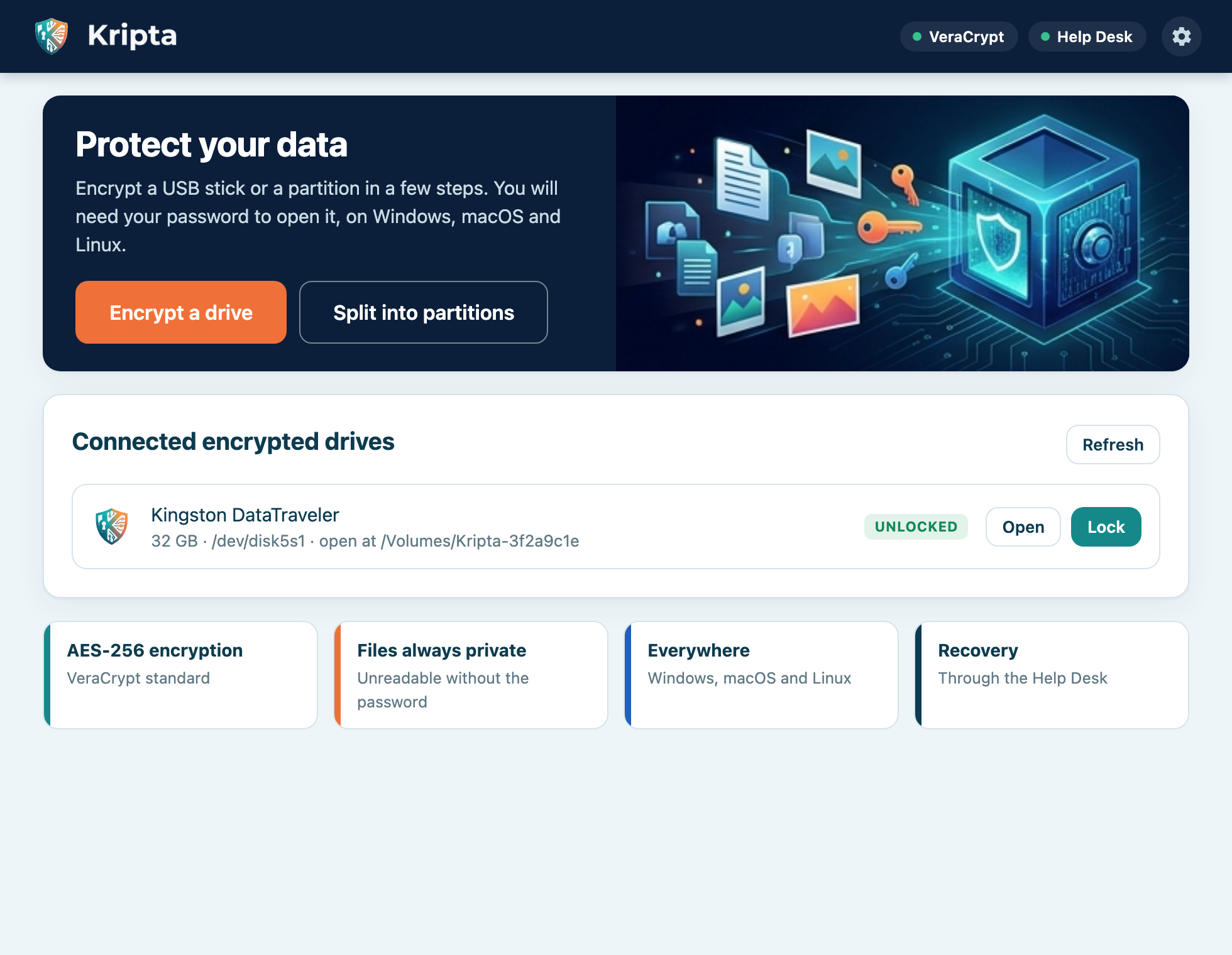
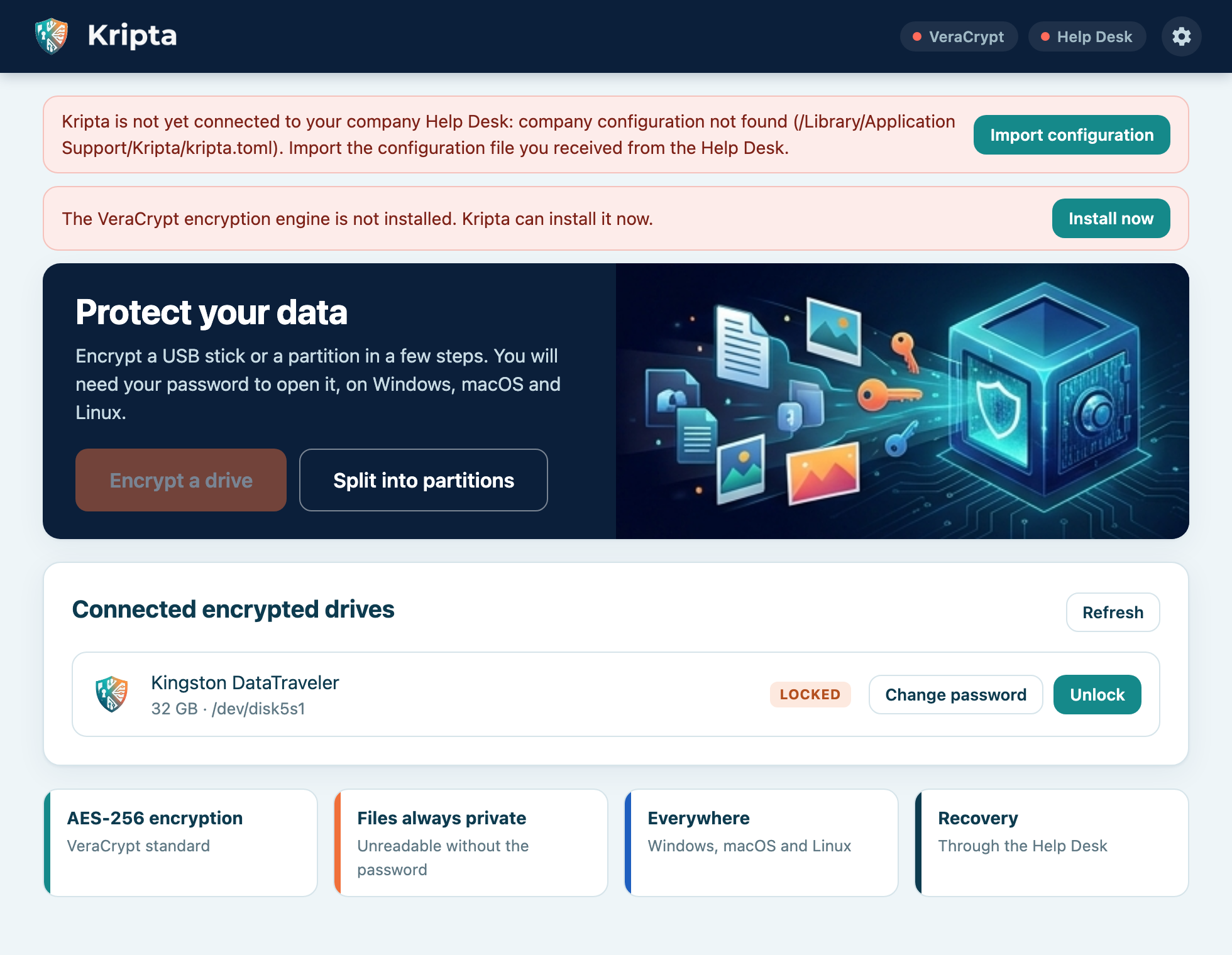
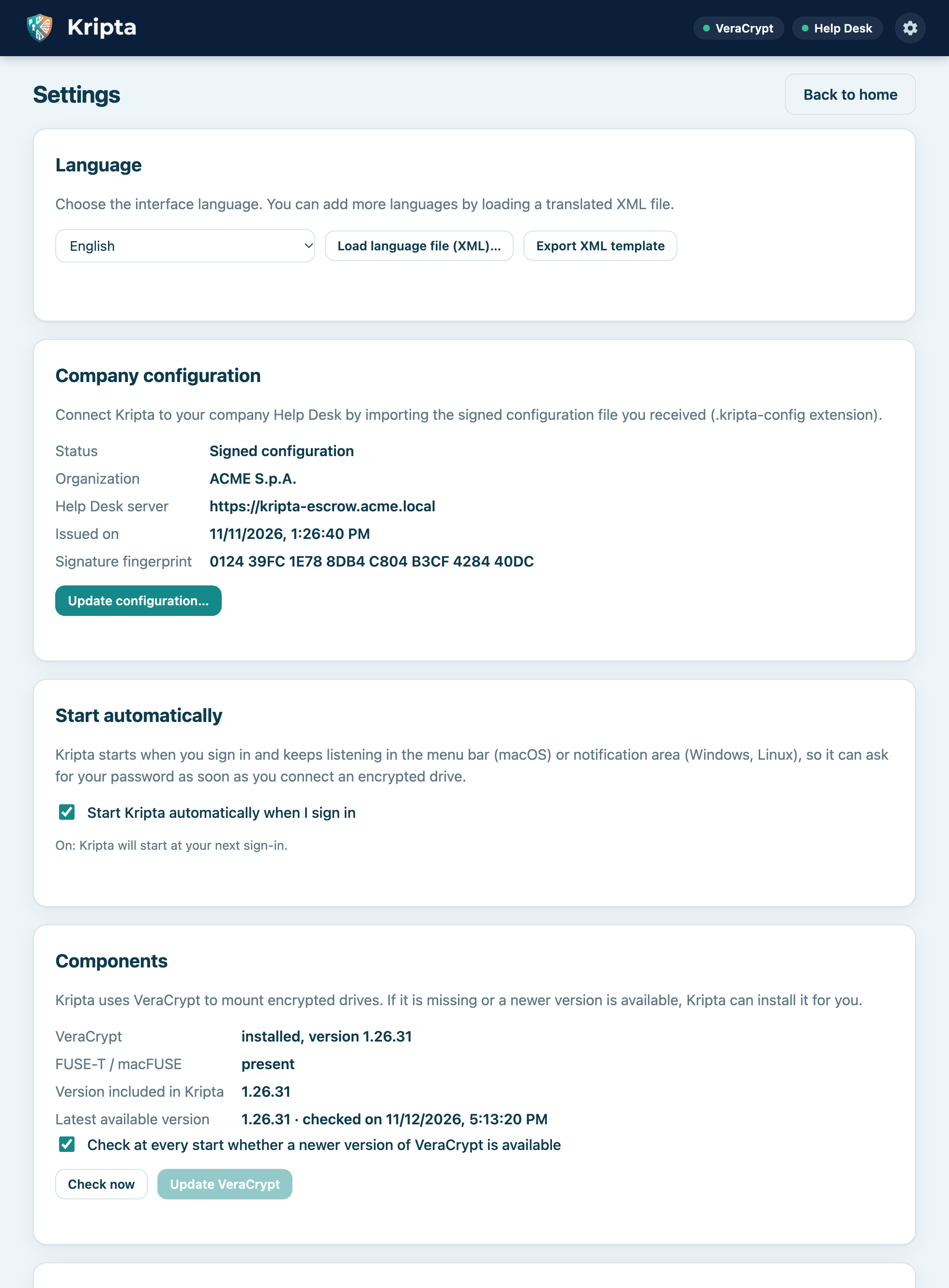
Get started in three steps
- Install KriptaDownload the package for your system and install it.
- Import the configurationOpen the .kripta-config file received from the Help Desk and check the fingerprint.
- Install VeraCryptPress “Install now”: Kripta verifies the signature and installs the encryption engine.
Download
Workstation packages already include the official VeraCrypt installers (and FUSE-T for macOS).
Total downloads:
| System | File | Size | |
|---|---|---|---|
| macOS 11+ Universal (Apple Silicon and Intel) | Kripta_1.2.0_universal.dmg74b717c9c3597590… | 79.6 MB | Download |
| Help Desk server · Linux kripta-escrow, x64 | server-linux-x64-kripta-escrow4fca97091cef196e… | 4.5 MB | Download |
| Help Desk server · macOS kripta-escrow, universal | server-macos-universal-kripta-escrow1511683176feae5e… | 8.1 MB | Download |
| Help Desk server · Windows kripta-escrow.exe, x64 | server-windows-x64-kripta-escrow.exe5e076a720aff7e32… | 4.7 MB | Download |
SHA256SUMS.txt · SHA-256 checksums to verify file integrity.
User manuals
The complete manual, with screenshots, in every app language.
Language files (XML)
Every app language is an XML file. Download one, translate it and load it from Settings › Language to add a new language.
For IT: signed configuration
Generate the signing key once on the escrow server, sign the client configuration and distribute the .kripta-config file to users, publishing the fingerprint on a trusted channel.
kripta-escrow keygen-sign
kripta-escrow sign-config client.toml signing.key "ACME" acme.kripta-config
Details in the manual appendix: embedded keys (KRIPTA_PROVISIONING_KEYS), internal mirror for VeraCrypt updates, system service.
Contact
Questions, problems or ideas about Kripta? Write here and I will reply to the address you give.
Prefer your own email app? Write to [email protected].